
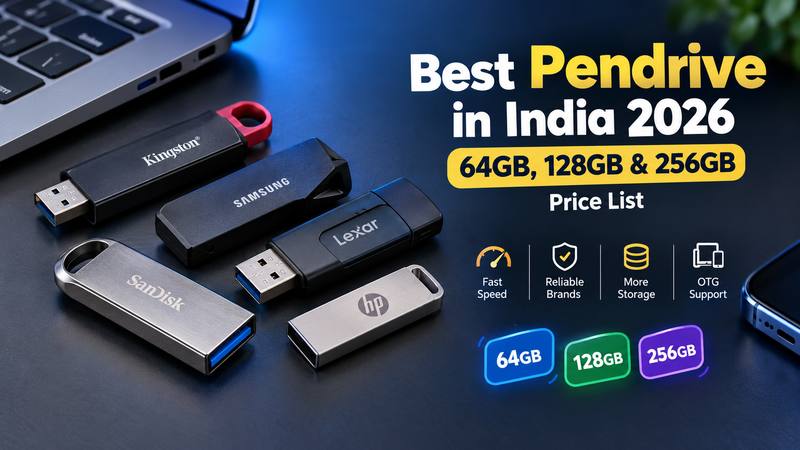
Looking for the best pendrive in India? With so many brands and sizes, it’s easy to get confused. In this guide, I’ve compared the top brands and listed the 64GB, 128GB and 256GB pendrive price, so you can pick the right drive without wasting money.
What is a Pendrive and How Does It Operate?
Pendrive or USB flash drive is a small storage device that fits into the port. It stores files on flash memory, which means there’s no battery and no Internet required.
There is a small memory chip and a controller to control it inside. You don’t have any moving parts here, so it’s more likely to survive bumps than an old hard disk.
Which Pendrive Brand Is Best in India?
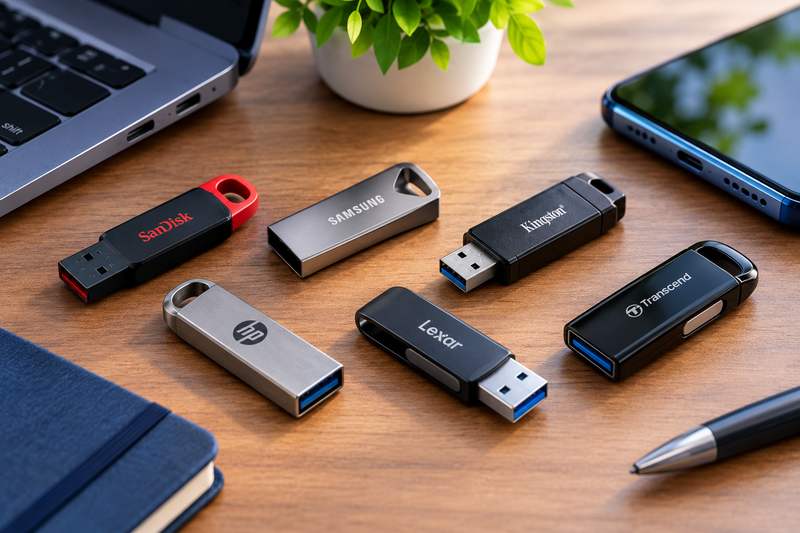
Most buyers can expect to find safety with SanDisk, Samsung and Kingston. Lexar, HP and Transcend are all good choices. These brands offer better speed, durability and warranty.
I would sum them up like this:
SanDisk: The most popular name in India and easy to find in every size. The Ultra Dual Drive (OTG), Ultra Flair and Cruzer Blade are common choices. The typical go-to choice is a SanDisk 32 GB pendrive.
Samsung: Samsung promotes the Bar Plus and Fit Plus as being water and shock resistant, and they are both sturdy and fast.
Kingston: The DataTraveler series is reliable and is available in large sizes, even up to 2 TB.
Lexar: It offers good speeds at a fair price.
HP: Affordable and suitable for simple file sharing.
Transcend: The JetFlash range is simple and built for long use.
Caution: If an unknown company offers a large GB drive for a small price, be wary.
How Many GBs Do You Need? (16 GB to 1 TB)
Pendrives usually come in 16 GB, 32 GB, 64 GB, 128 GB, 256 GB, 512 GB and 1 TB. Some go even higher. Here is an easy way to select:
16 GB: school projects, PDFs and documents.
32 GB: Office documents, music and some movies.
64 GB: The optimal size for students and office workers. It contains approximately 15-25 movies that can be viewed in HD.
128 GB: The best all-round buy. Enough for phone backups, many movies and software installers.
256 GB: Ideal for storing a large number of photos and videos.
512GB, 1 TB: Video editors and full computer backups.
Generally, a GB contains approximately 250 phone photos and an HD movie uses approximately 2 to 4 GB.
Pendrive Price in India: What Should You Pay?
The pendrive price depends on size, speed and brand. The price of flash memory has fluctuated significantly in recent years and these are just estimated prices – always compare the actual prices on Amazon or Flipkart before you purchase.
Quick answers: expect around ₹700 to ₹1,600 for a 64 GB pendrive and ₹1,200 to ₹2,500 for a 128 GB pendrive from trusted brands.
Size Best for Approx. price in India.
16 GB Documents, basic use ₹400 – ₹800
32 GB Use on a daily basis in the office or college. ₹500 – ₹1,000
64 GB Movies, photos, backups ₹700 – ₹1,600
128 GB People who use the phone a lot, backups of the phone. ₹1,200 – ₹2,500
256 GB Creators, big libraries ₹2,000 – ₹5,500
512 GB / 1 TB Full backups for Pro work ₹5,000 and above
Drives that are made for OTG tend to be a bit more expensive than their normal counterparts of the same size, with metal drive and waterproof drives also costing a bit more.
64 GB vs 128 GB vs 256 GB: Which One Should You Buy?
A 128 GB pendrive is a perfect option for the majority of people. It provides you with space to expand without it being as expensive as a 256 GB version.
A 64 GB pendrive will be suitable if you are moving only documents, songs and a few videos. The 64 GB pendrive price is pocket friendly, and it’s sufficient for school or office tasks.
If you deal with large video files or need a single drive for all your files, you should only go for a 256 GB pendrive. Otherwise you can end up paying for space that you never use.
What is an OTG Pendrive and why do you need one?
There are two connectors on an OTG pendrive, typically USB-A and USB-C (or micro-USB). This will allow you to connect it to your phone or your laptop without any adaptor.
Moving photos and videos from the phone is very handy to free up space. OTG is supported by most of the Android phones. On an iPhone, choose a drive specially designed for an iPhone or a USB-C drive, if available, for newer iPhones.
For those who use only a laptop/desktop, a regular pendrive will suffice and will be less expensive.
USB 2.0 or USB 3.0: Does Speed Matter?
Yes, it does. When copying large files, a USB 3.0 pendrive is a lot quicker than a USB 2.0 pendrive. Many USB3.0 drives claim to be 100-150 MB/s and USB2.0 drives are significantly slower when it comes to performance.
There is one exception: The write speed is typically slower than the read speed and your device port must also be 3.0 compliant. Look for USB 3.0, 3.1 or 3.2 on the box.
What Are the Advantages of a Pendrive?
A pendrive is inexpensive, compact and can be used in virtually any place. Here are the prime advantages:
Portable: Can be carried in pocket or on key chain.
Copy files – offline: Copy files anywhere without the need for the Internet.
Plug and play: Most laptops, TVs and car music systems recognise it immediately.
Cost-effective: It brings a ton of storage for a cheap price.
Reusable: Delete and rewrite files again and again.
Secure drives: Some drives include password protection software.
But, like all things, it’s not perfect. A pendrive can get lost, it may become corrupted if you yank it out of the socket too quickly and it should not be your sole backup.
Which is better: a pendrive or cloud storage?
A pendrive is fast, offline and doesn’t cost anything per month. Cloud storage is more secure in the event of loss or damage but requires an internet connection. For important files, use both for them.
How to Identify a Fake Pendrive
The fake pendrives are the issue particularly on the low-cost listings on the web. They show a big size, such as 1 TB, but have only a few GB of real storage. Files transfer successfully, but are lost or corrupted.
Look out for these signs:
It is a much lower price than SanDisk, Samsung or Kingston of the same size.
Seller has few reviews, and does not have a reputation.
After copying a little data, transfers stop working.
Purchase from a legitimate retailer or the brand’s authorized retailer and use a free software such as H2testw (Windows) or F3 (Mac and Linux) for a new drive test.
So, here are some tips to help you make your Pendrive last longer.
Eject safely. When removing hardware, use “Safely Remove Hardware.”
Keep it cool. Keep out of direct sunlight and heat from hot cars.
Make a second copy. There are two places that important files should be.
Scan on shared computers. Public PCs can pass on viruses.
For large files, use exFAT. The older FAT32 format can’t store a single file bigger than 4 GB.
Here are some fun facts about pendrives.
The first pendrives were around the year 2000 and had a capacity of 8 MB. A floppy disk had a capacity of 1.44 MB.
On your computer, the 119 GB is what you see in the 128 GB pendrive. That isn’t a scam. Computers do not count storage the same, and a portion of storage is used for formatting.
My Personal Experience With PenDrives:
I have two pendrives when I’m in college. First is a 32GB SanDisk pendrive and second one is 128GB HP pendrive. My experience is all good with both of the pendrives. Both worked really well, stayed fast and lasted me a long time.
I used them for everything, like taking games from friends, copying movies, and carrying school projects. Whenever I needed to share or save files quickly these two pendrives were a big help.
I also use a SanDisk OTG pendrive and it helps me a lot too.
If you’re a student setting up a new laptop, here’s our guide to the best laptops under ₹60,000 for students and coding.
Conclusion
The majority of people only need a pendrive of either 64 GB or 128 GB from a reliable company. Pay a bit more for USB 3.0 speeds, purchase from a legitimate retailer and always have a backup of important things.
Got a pendrive question I missed? Drop it in the comments and I’ll do my best to help.
Leave a Reply